Main game
Color Scout
Get everyone on their feet. The big screen reveals a target color, and players look around with their phones: a colleague’s tie, a drink on the table or a poster on the wall. Submit the closest color you can find; the system compares colors and reveals the top three on the big screen.
How players play
-
Find the target color
Find something close to the target color. Snap it or pick a photo.
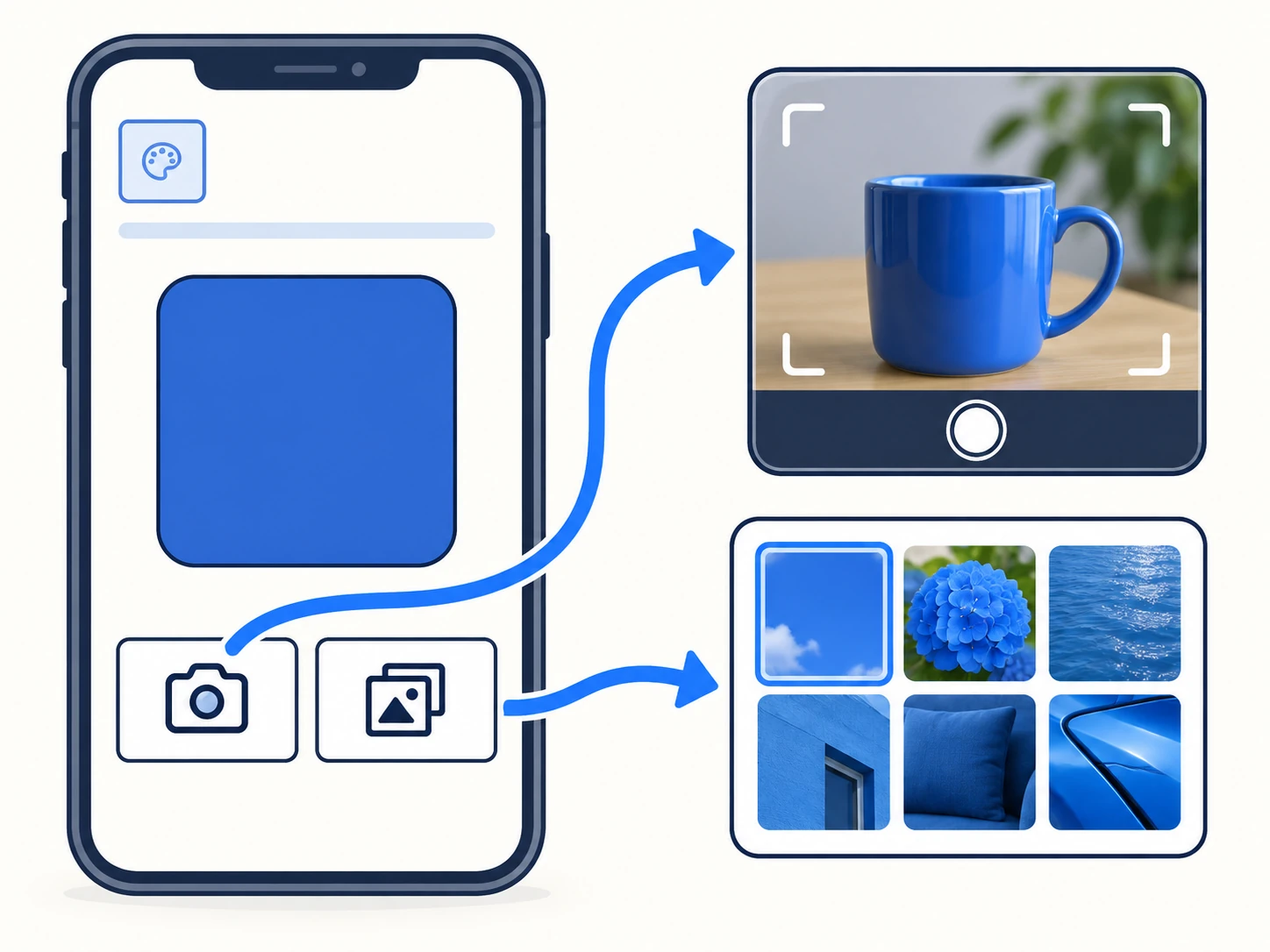
-
Check and submit
Check your photo, then submit. One photo per player.
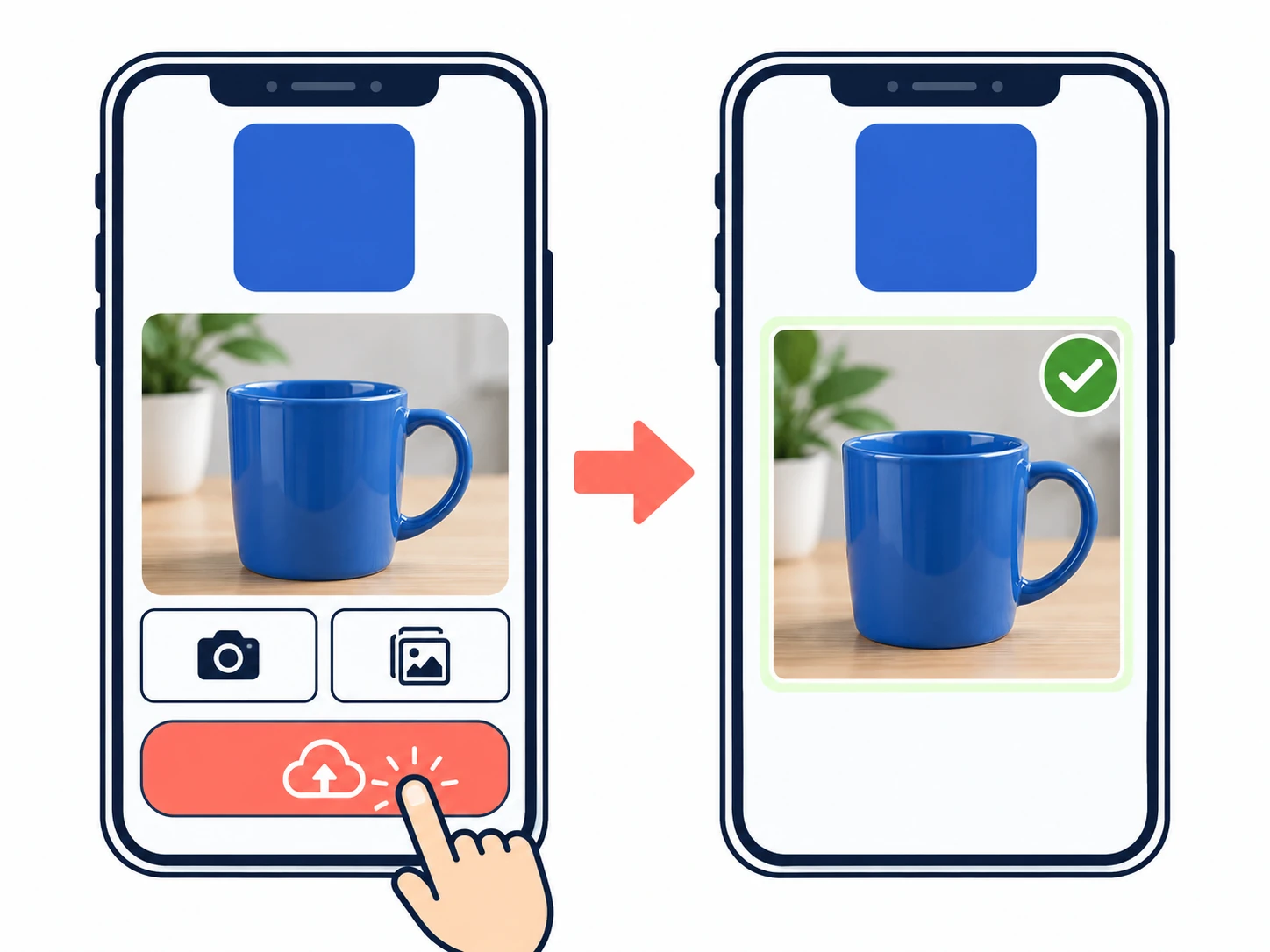
-
Colors compared, ranks revealed
We find the color in each photo closest to the target, then reveal the ranks.
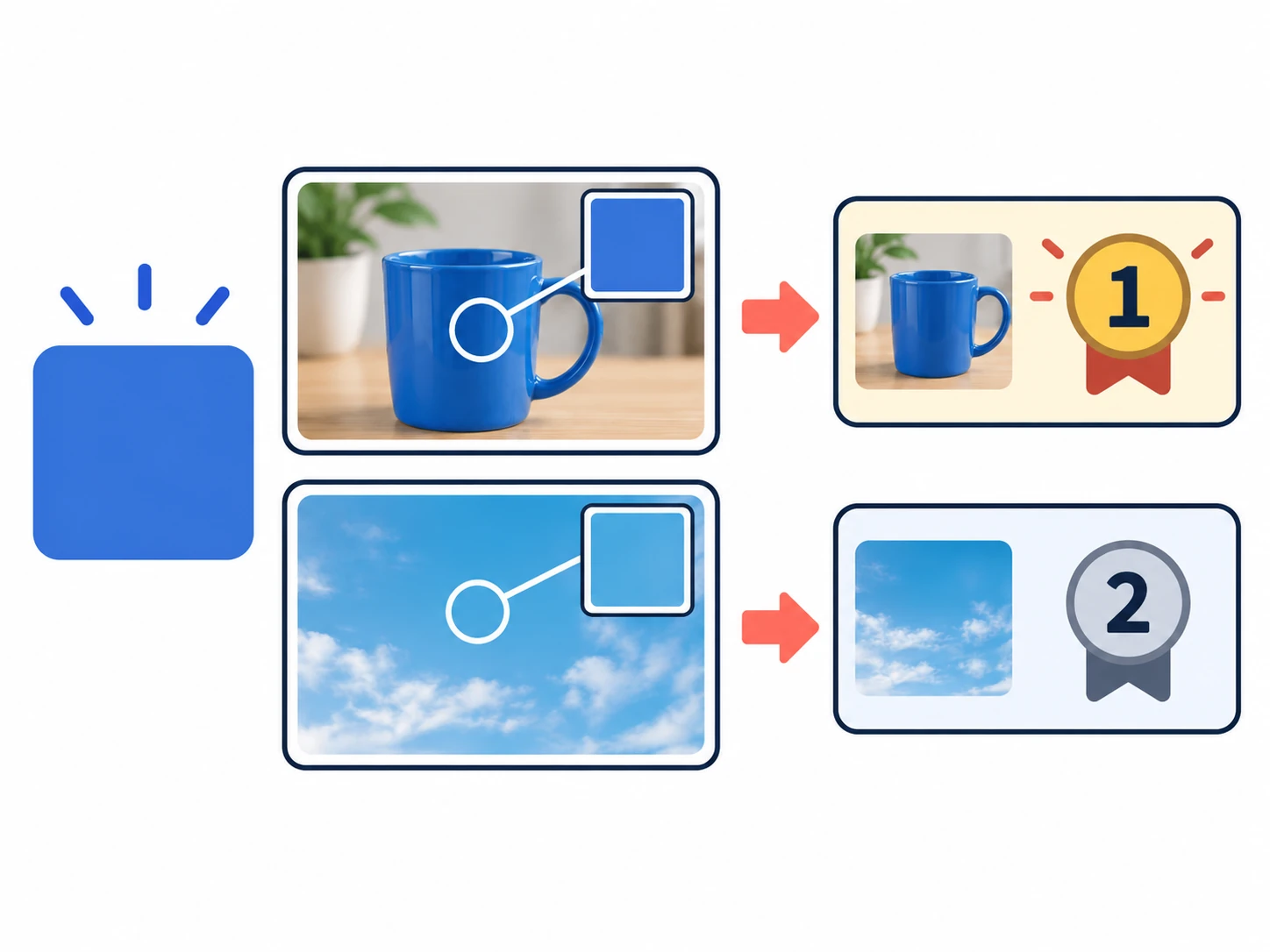
Rules
- The system picks a random target color each round, with no repeats in a game. The host does not need to choose one.
- Each player can submit one photo per round, up to 10 MB. It cannot be replaced after submission.
- Only color difference counts. The object and the size of the color patch do not affect the score.
- Your photo is sent only after you agree to public display. Avoid faces, IDs, addresses and other personal information.
- Up to 3 players are revealed each round, from last to first. If fewer valid photos are submitted, only those who placed are shown.
- In a multi-round game, ranks follow accumulated scores. If tied players would receive different prizes, up to 3 PK mini-games break the tie, followed by a draw if needed.
How scoring works
The system finds the small area of each photo closest to the target and compares it using the CIEDE2000 color-difference formula. A smaller difference scores higher, up to 100 points. One close patch is enough; a larger or more prominent area earns no extra points.
| Color difference (ΔE) | Score |
|---|---|
| 0 | 100 |
| 3 | 95 |
| 6 | 85 |
| 12 | 65 |
| 20 | 35 |
| 30 or more | 0 |
Scores between these differences are calculated proportionally.
Host settings
| Setting | Options |
|---|---|
| Rounds | 1–10 rounds; each round has a new target color, and final ranks use accumulated scores |
| Upload time (sec) | 60, 120 or 180 seconds, or custom 10–600 seconds |
What happens to photos
Before upload, the phone removes EXIF, location and similar data. The server holds photos only in temporary memory, without writing them to a database or backup. Photos and copies are permanently deleted when the next round starts, the room closes, or 1 hour after that round’s results are revealed, whichever comes first.
Selected photos are shown publicly on the big screen. Photos reported by enough players are removed automatically; the host can also remove unsuitable photos.
How to win
Look carefully at the target before you start shooting. Lighting changes colors in photos: the same clothes can look very different by a window and under a yellow bulb. Try another angle or better light before taking your photo.
Only the closest small patch counts, so the entire photo does not need to match. Move in close so the best-matching patch is sharp and free of glare. That beats photographing a big area.
Hosting tips
- Mention privacy first: Before starting, remind everyone not to photograph faces. Selected photos appear on the big screen.
- Allow enough time: For a large venue with few objects, set upload time to 120–180 seconds. In a small room, 60 seconds keeps the pressure on.
- Play several rounds: One round depends heavily on luck. Three rounds of accumulated scores give players a fairer test of their eye for color.
FAQ
Can I choose a photo from my library?
Yes. Take a photo or choose one from your library, but submit only one per round.
Are photos kept?
No. Photos stay only in server memory and are permanently deleted no later than 1 hour after results, with no backups.